Creative Design & Video Production
Social Media Post Design
Scroll-stopping, on-brand posts designed for every platform.
What is Social Media Post Design?
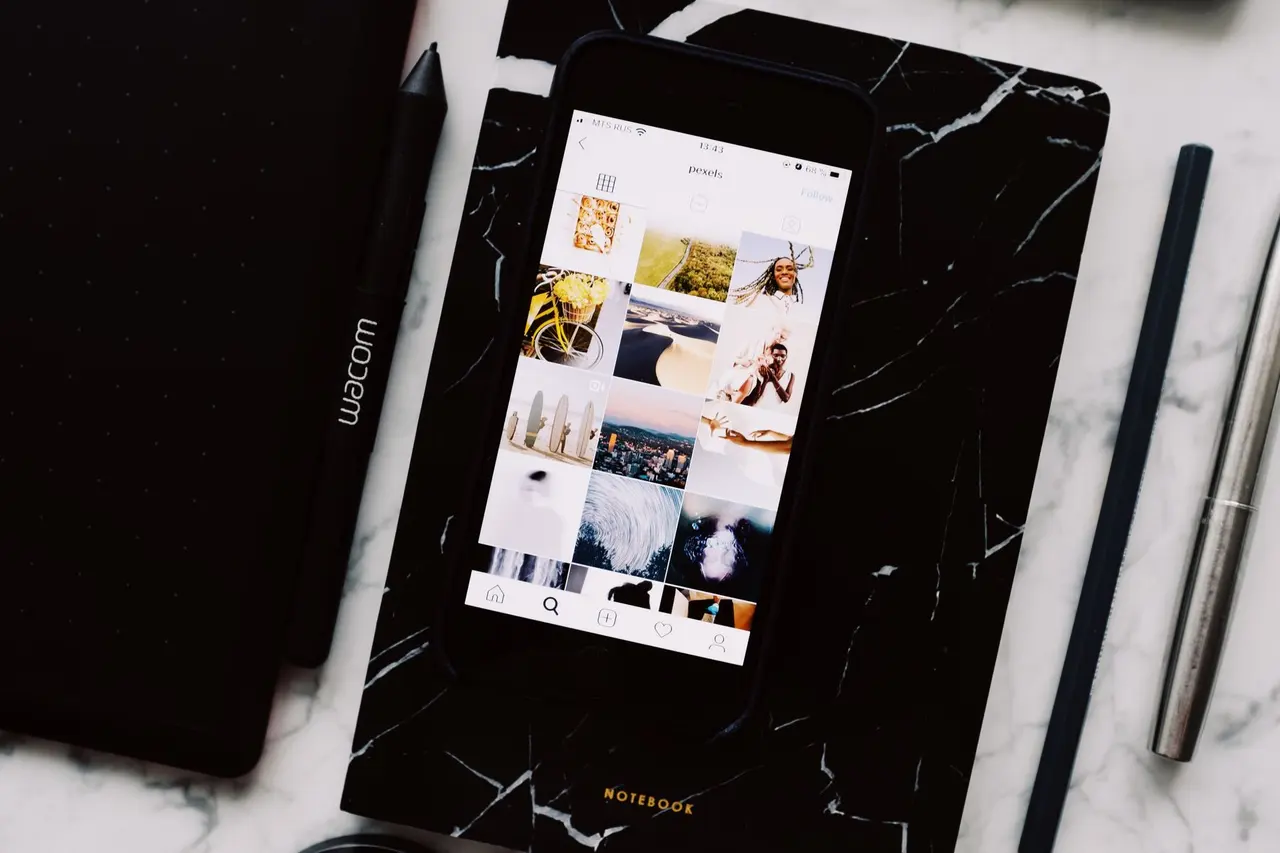
Social media post design is the creation of graphics for social platforms — single posts, carousels, stories and campaign visuals — sized correctly for each platform and consistent with your brand.
How do we approach Social Media Post Design?
Consistent visuals make your brand recognisable in a busy feed. We design posts and templates around your brand system, with layouts for announcements, education, promotions and carousels.
What problems does this solve?
- Posts are designed ad hoc and look inconsistent.
- Graphics are cropped or blurry on some platforms.
- Educational content is hard to read on mobile.
- Your team lacks time to design every post from scratch.
What's included?
Deliverables and features. Each engagement is scoped to what you actually need.
Branded post templates
Reusable layouts for your most common post types.
Promotional posts
Offers, launches and event announcements.
Carousel graphics
Multi-slide posts that tell a story or teach a topic.
Educational content
Tips, how-tos and data visualised for mobile reading.
Campaign visuals
Coordinated sets of graphics for a campaign across channels.
Platform-specific formatting
Correct sizes and safe areas for each platform and placement.
Editable brand templates
Canva or Figma templates your team can update, where offered.
How does the process work?
- 01
Brief
Content, goals, platforms and posting volume.
- 02
Template system
Design core layouts based on your brand.
- 03
Produce
Create posts in batches for review.
- 04
Hand over
Export files and editable templates.
Who is this for? Example use cases
- A monthly set of educational carousels for LinkedIn.
- Launch graphics for a new product across Instagram and Facebook.
- An editable template kit for an in-house marketing team.
Relevant industries: E-commerce, Retail
Which tools and technologies do you use?
Tools we commonly work with for this service. The right stack depends on your existing systems.
- Figma
- Canva
- Adobe Illustrator
- Adobe Photoshop
What should you know before starting?
- Stock images and fonts must be licensed for commercial use; we use licensed assets or your own.
Frequently asked questions
Can my team edit the designs?
Do you write the post captions?
Which sizes do you deliver?
Get started
Make your feed instantly recognisable.
Share a few details and we'll reply with questions or a proposal. Prefer a quick chat? Use the chat button.